🎮 Free Fire PC Download: Ultimate Guide to Play on Windows & Mac (Indian Server) 🔥
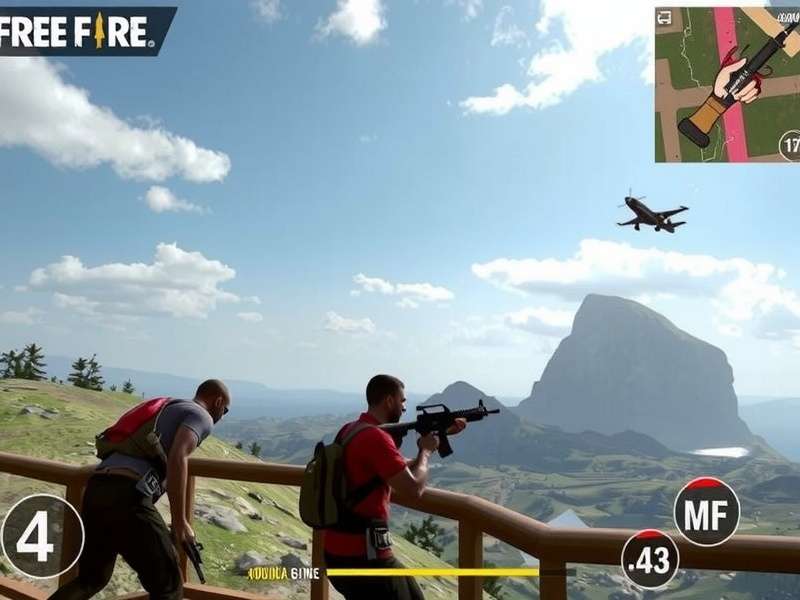
Free Fire, the battle royale sensation by Garena, has taken India by storm. While primarily a mobile game, many players seek the enhanced experience of playing on a PC. This definitive guide covers everything about Free Fire PC download, including emulator setup, optimization tips, exclusive redeem codes, and how to enjoy the Indian server on your computer. Whether you're a noob or a pro, this guide will level up your game.
🚀 Quick Summary: You can play Free Fire on PC using Android emulators like BlueStacks or Gameloop. This guide provides step-by-step instructions, performance tweaks, and insider tips for the best experience on the Indian server.
Why Play Free Fire on PC? 🤔
Playing Free Fire on PC offers several advantages over mobile. The larger screen provides better visibility, keyboard and mouse controls offer precision, and you can multi-task easily. Plus, with the right emulator, you can enjoy higher frame rates and smoother gameplay. For competitive players, this edge can be the difference between a Booyah and an early exit.
Advantages of PC Gaming for Free Fire
1. Superior Controls: Keyboard and mouse allow for quicker reactions and accurate aiming. 2. Enhanced Graphics: Emulators often support higher resolutions and graphical settings. 3. No Battery Drain: Play for hours without worrying about your device's battery. 4. Multi-Account Management: Run multiple instances to manage different accounts or play with friends.
How to Download Free Fire on PC: Step-by-Step Guide 📥
Since Free Fire is not officially available as a PC client, we use Android emulators. Follow these steps to get started.
Step 1: Choose an Emulator
We recommend BlueStacks 5 or Gameloop. Both are optimized for gaming and support the Indian server. Gameloop is officially endorsed by Tencent, while BlueStacks is known for its versatility.
Step 2: Download and Install the Emulator
Visit the official website of your chosen emulator and download the installer. Run the installer and follow the on-screen instructions. Ensure your PC meets the system requirements (at least 4GB RAM, dual-core processor, and updated graphics drivers).
Step 3: Install Free Fire inside the Emulator
Once the emulator is running, open the Google Play Store, sign in with your Google account, and search for "Free Fire". Click install. The game will download and install automatically. Make sure to select the Indian server during the initial setup.
Step 4: Optimize Settings for Best Performance
Inside the emulator settings, allocate more RAM and CPU cores if your system allows. Enable virtualization in your BIOS for a significant performance boost. Within Free Fire settings, set graphics to Smooth and frame rate to Ultra for competitive play.
Exclusive Tips for Free Fire on PC 🎯
Mastering Free Fire on PC requires adjusting to new controls and optimizing your setup. Here are some pro tips:
- Key Mapping: Customize your keyboard layout to suit your playstyle. Assign frequently used actions like shoot, crouch, and heal to easily accessible keys.
- Use a Gaming Mouse: A mouse with adjustable DPI can improve aiming precision.
- Monitor Refresh Rate: If you have a high-refresh-rate monitor, configure the emulator to match it for smoother visuals.
- Network Stability: Use a wired Ethernet connection for minimal ping, crucial for the Indian server.
Free Fire Max India: The Enhanced Experience 🌟
With the release of Free Fire Max India Release Date, players can enjoy upgraded graphics and effects. Free Fire Max is fully compatible with PC emulators. The installation process is identical to the regular version. For more details, check our guide on Free Fire Max India Download.
Redeem Codes and In-Game Rewards 🎁
To get free skins, weapons, and characters, use redeem codes. We regularly update Indian Server Free Fire Redeem Code list. On PC, the redemption process is the same: visit the official redeem website, log in, and enter the code. Pro tip: Redeem quickly as codes have limited usage.
How to Get More Redeem Codes
Follow Garena's social media, participate in events, and watch streams on platforms like YouTube. Speaking of YouTube, our community loves Free Fire Videos Youtube Telugu for tips and entertainment.
Custom HUD and Controls Optimization ⚙️
On PC, you can fully customize your Heads-Up Display (HUD) and control layout. For advanced players, we share Indian Server Free Fire Hud Code to import proven layouts. Adjust button sizes and transparency to reduce clutter and improve visibility.
Playing Free Fire Online: Multiplayer and Squad Tips 🌐
Free Fire is all about online multiplayer. To dominate, communication and strategy are key. Use in-game voice chat or external apps like Discord. Learn about popular strategies and how to play Free Fire Online like a pro. Playing on PC gives you the advantage of easier communication through a keyboard.
Cultural Connect: Free Fire in India 🇮🇳
Free Fire has deeply integrated into Indian gaming culture. From Indian Free Fire Song fan-made tracks to regional content, the community is vibrant. Garena often releases India-specific events and collaborations. For our French-speaking friends, we also have a guide on Telecharger Free Fire.
Search for More Guides 🔍
Rate This Guide ⭐
Join the Discussion 💬
Last Updated:
Share your experience with Free Fire on PC. Ask questions or provide tips to fellow gamers!